


Version History
The Version History tab provides complete visibility and control over changes made to your Data Push integrations. It tracks draft configurations and published releases, allowing you to audit, restore, clone, or export specific versions of an integration.
To view an integration's version history, select the integration and navigate to the Version History tab.
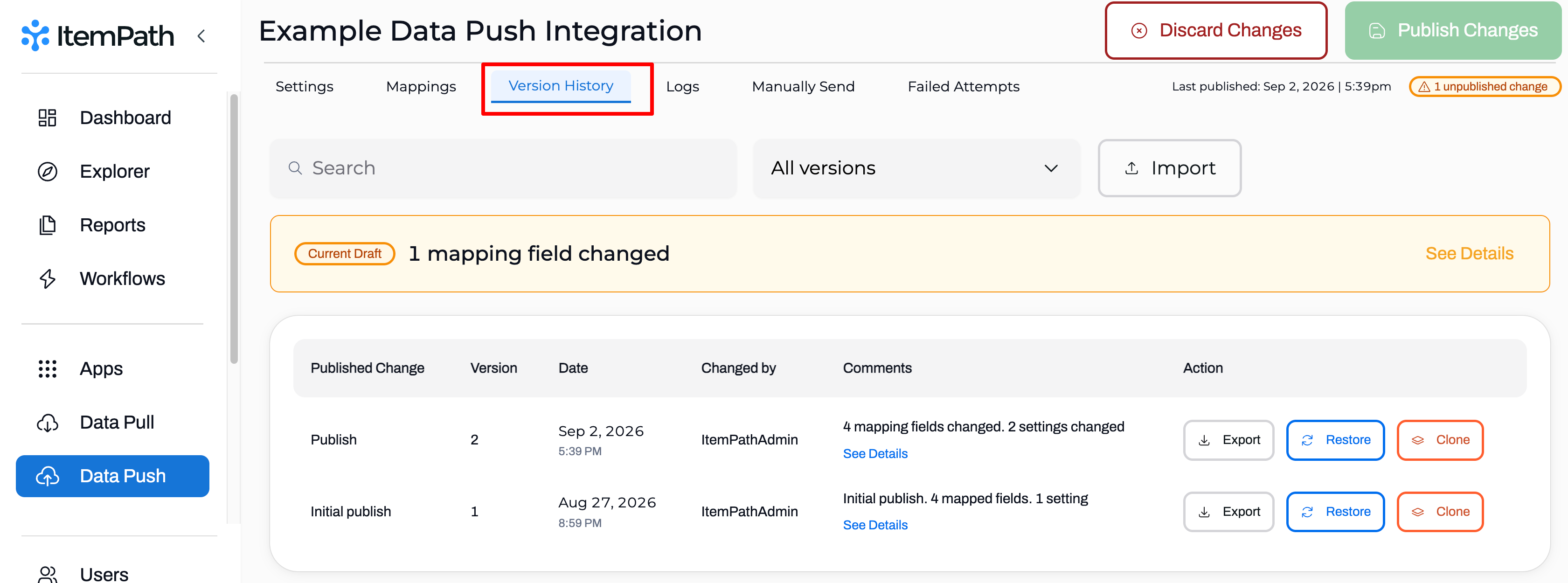
The Version History tab allows you to:
- Manage Drafts: As soon as a new integration is created or modifications are made to a published integration, a draft version is automatically generated.
- Filter & Search: Easily locate previous versions using the search bar at the top of the version list, or filter the display using the dropdown menu.
- Review Version Summaries: Each version entry includes a high-level overview of the changes.
Reviewing Version Details
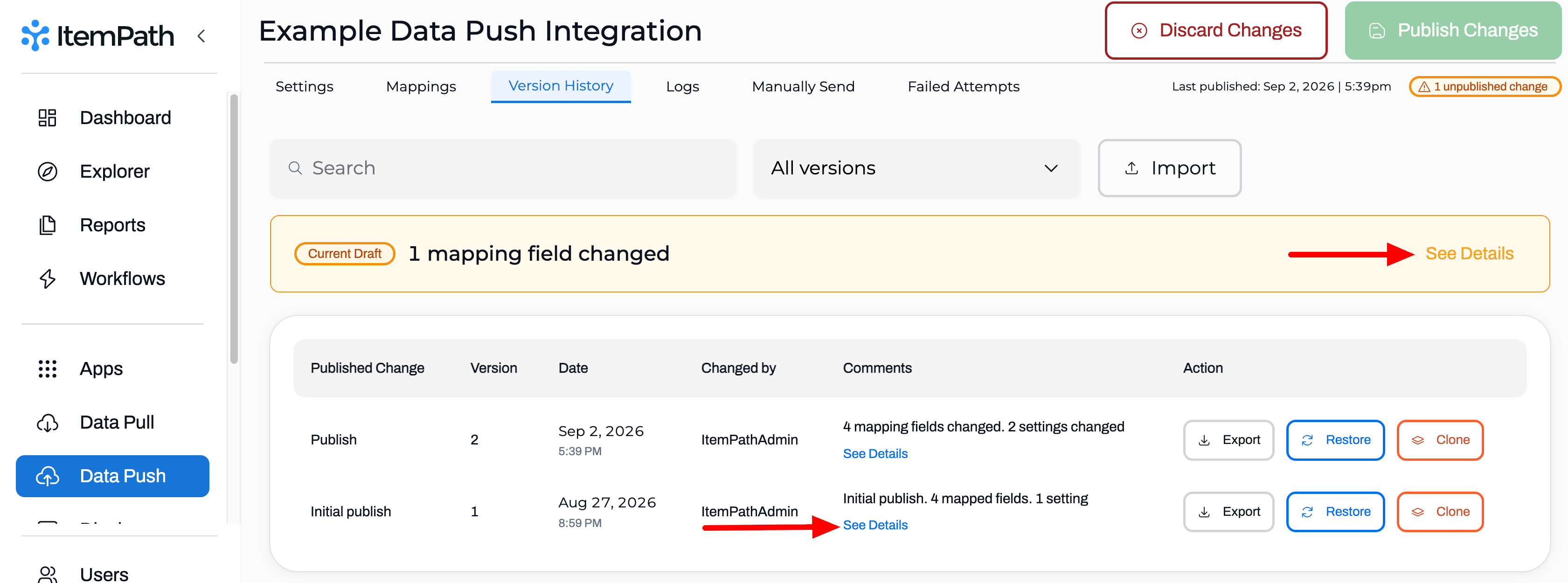
For any published, or unpublished version, click See Details to review the included mapping and setting changes.
Once a version is published, you can also see which user published it along with the date and time that it went live.
Managing and Publishing Versions
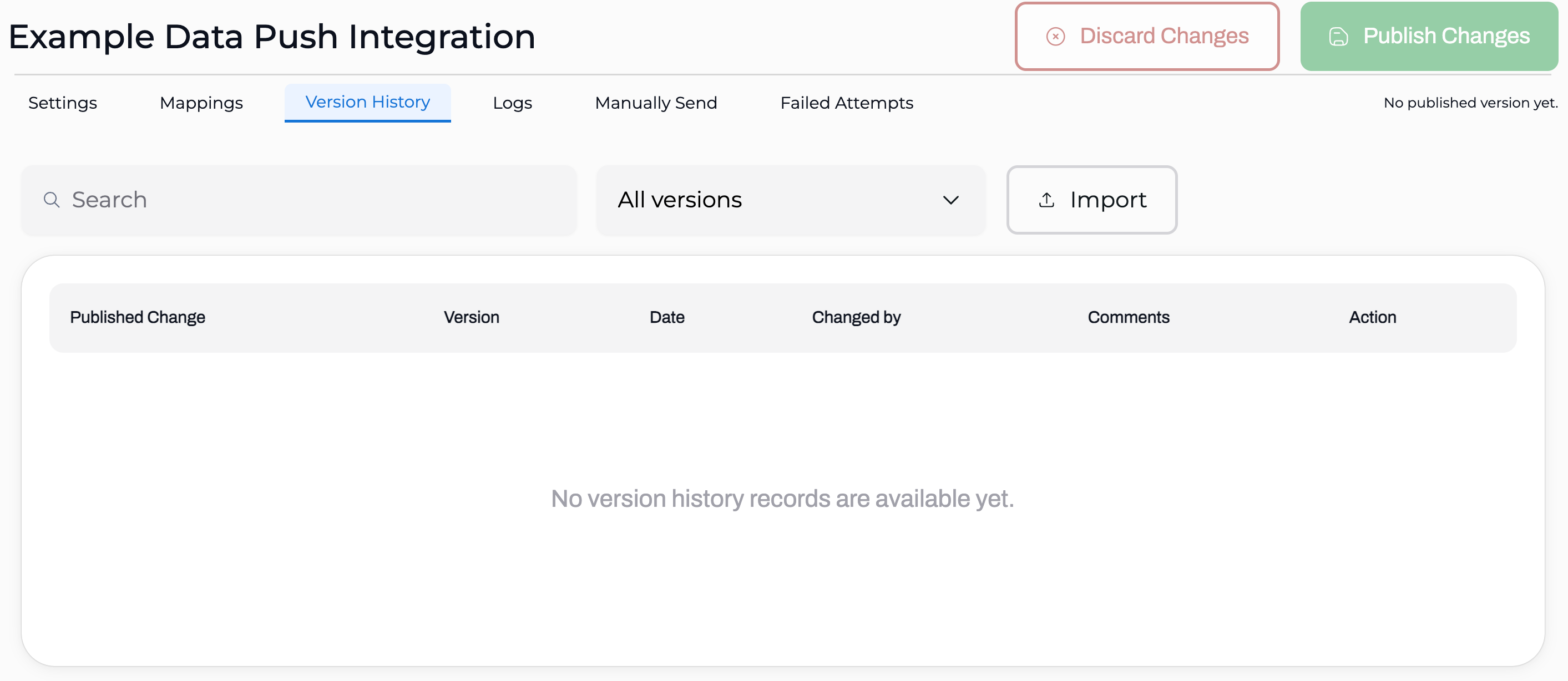
When you create a brand new integration, there will not be a published version yet.
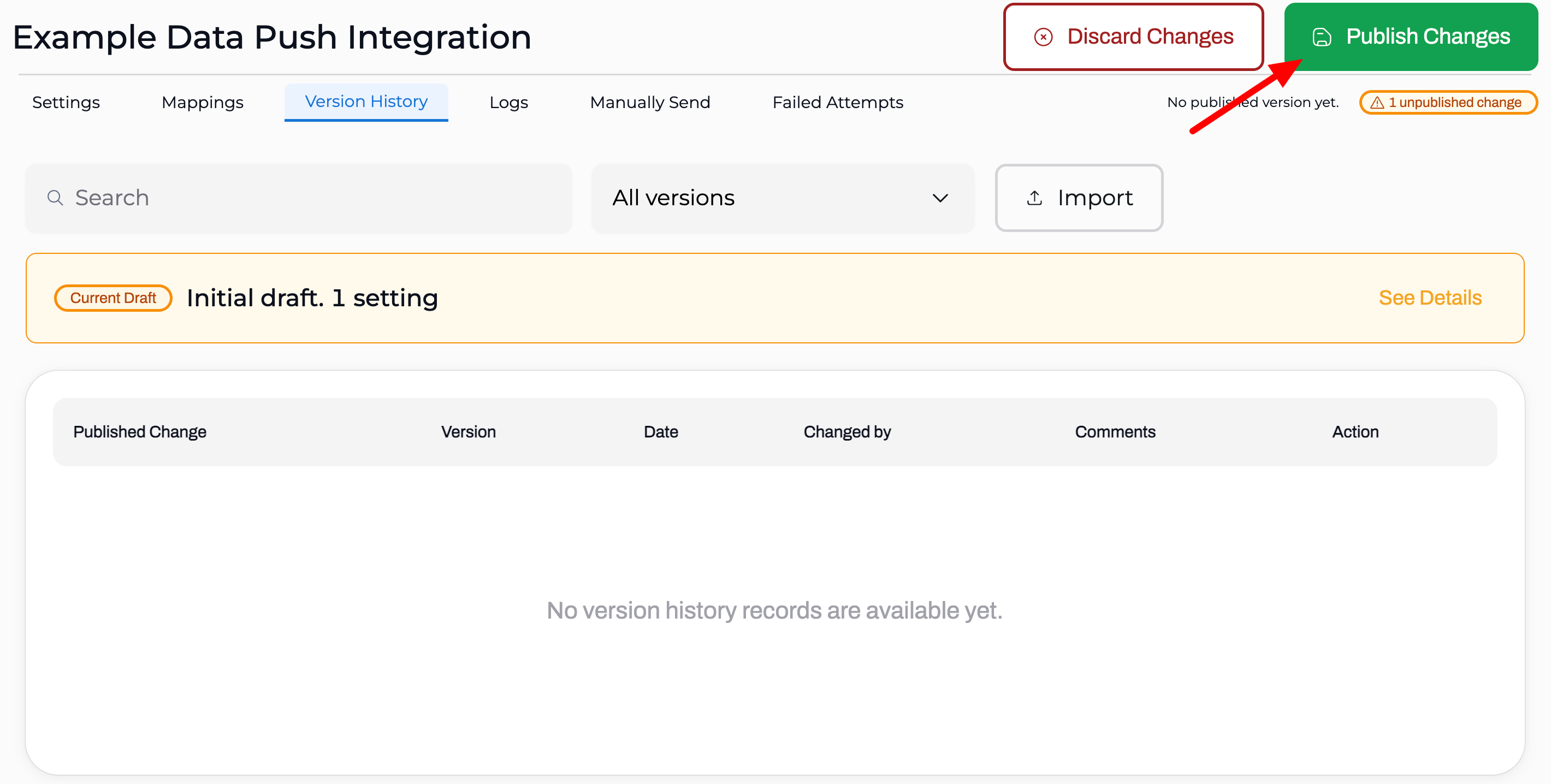
As soon as you begin editing the Connections, Headers, Filters, and/or Mappings a new draft will be created. On the Version History tab, this will be listed as the Initial Draft.
When you're ready to go live with the integration simply click Publish Changes.
The moment you edit a setting or mapping on a published integration, a new draft version will be created. You'll find a summary of the number of changes, in the top right of every tab, next to the date and time of the current published version.
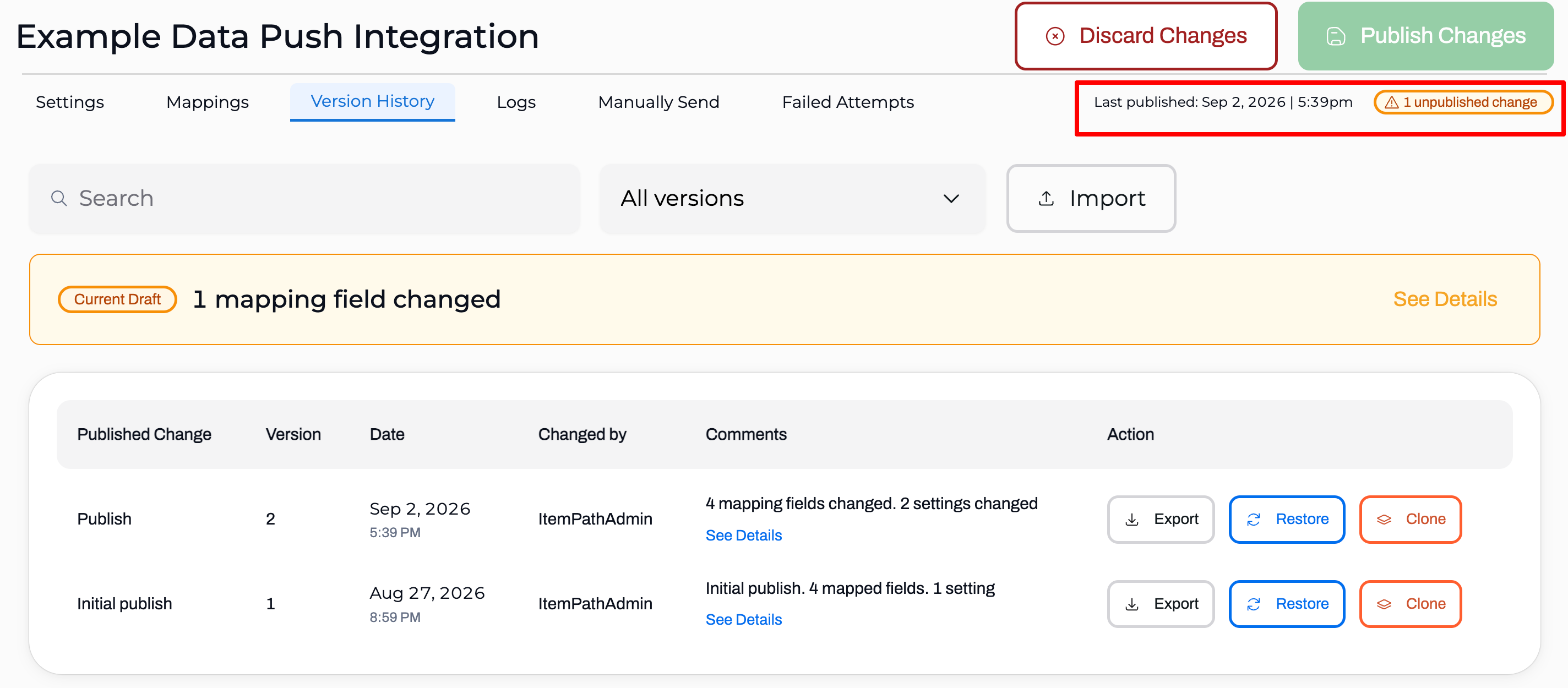
Here's a list of what you can do with the drafts on the Version History tab.
- Publish Changes: Go live with the included changes to mappings and/or settings.
- Discard Changes: Permanently delete the draft if the changes are no longer needed.
- Restore: Instantly publish a previous version.
- Clone: Create a copy of a previous version for editing.
- Export: Download the version configuration file for importing into another environment (e.g., from your Test environment to your Production environment).
- Search: Search for specific versions by Version Number, Changed By, and Comments.
- Filter: View only Published or Restored versions in the list.
Immediate Changes
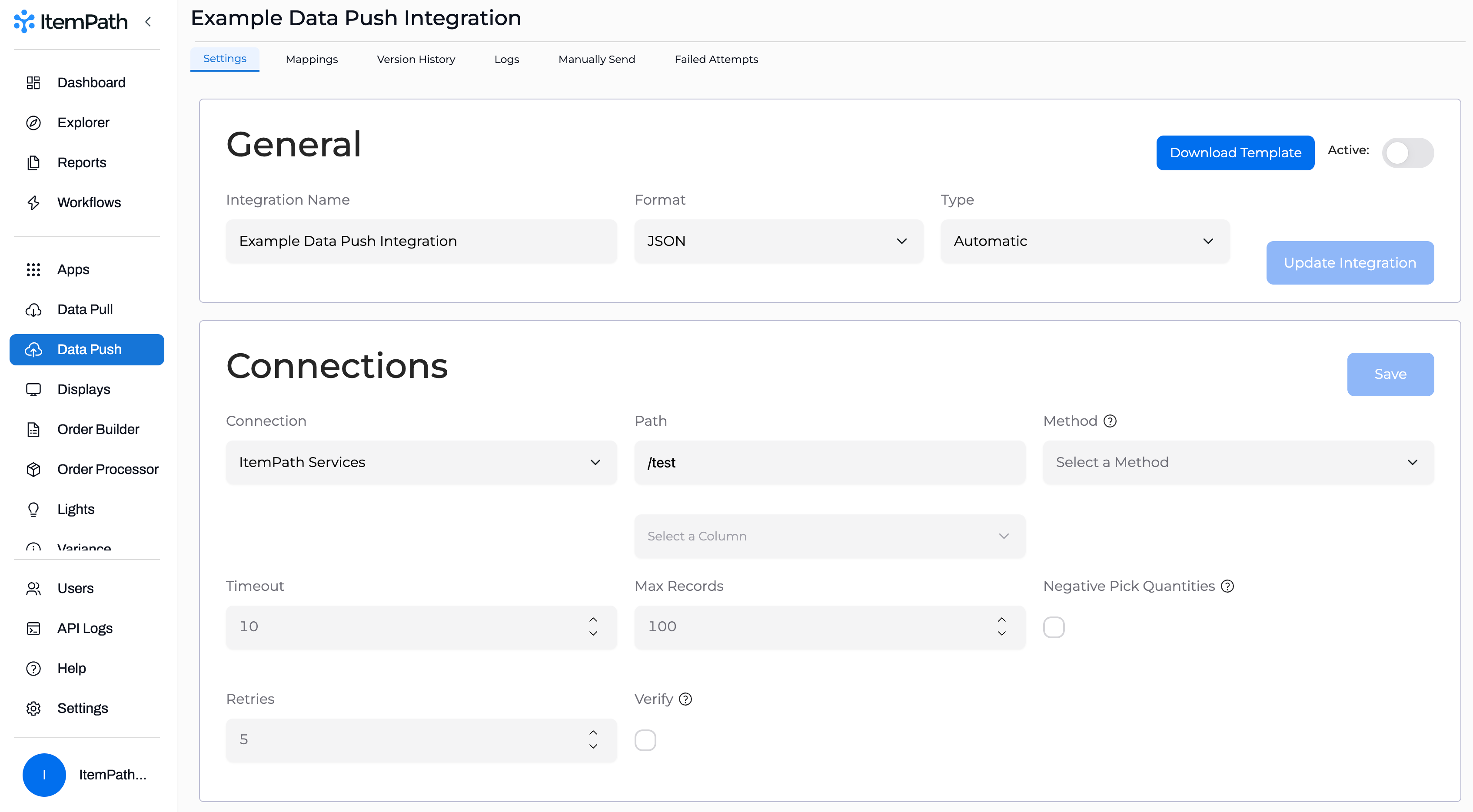
Some changes are handled instantly and do not create/update a draft version. This includes changes to the General Settings (Integration Name, Format, Type).
Version History is available with ItemPath 3.5.0 and later. Reach out to support@itempath.com if you are interested in updating to this version.