


Matches version:
3.4.9
Create an Order Processor Integration
Select Order Processor from the navigation menu.
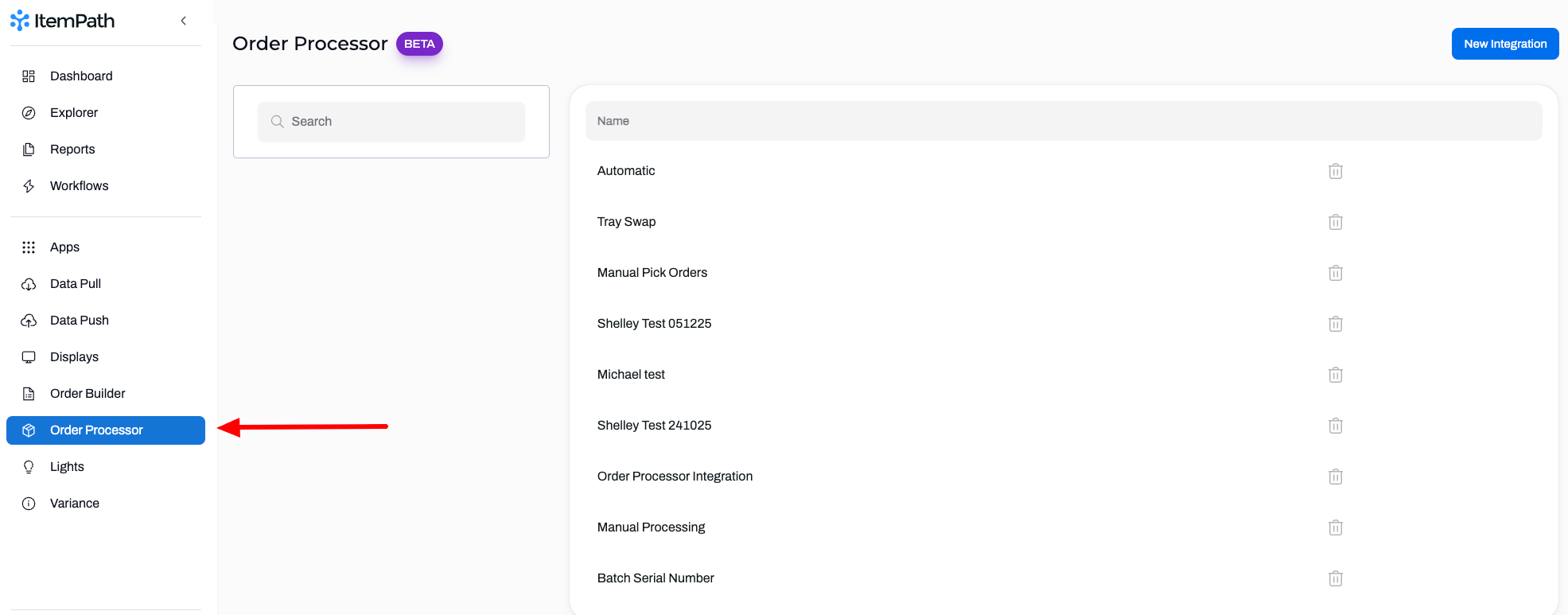
- Click New Integration.
Give your integration a name and select the Type of Order Processor (Manual or Automatic).

- Click Create Integration.
Add Order Filters for priority and order type to narrow down which orders to process using this integration.
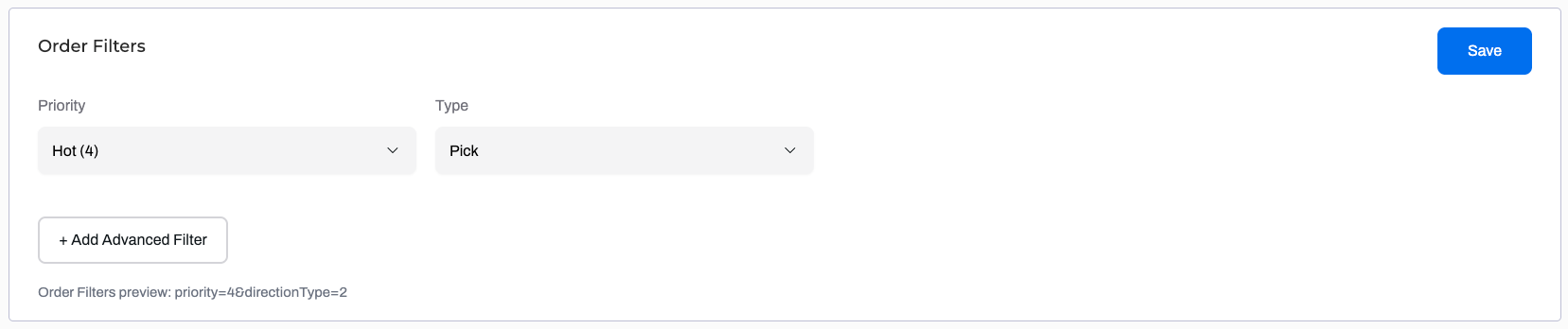
Use Advanced Filters to specify other values to filter by.
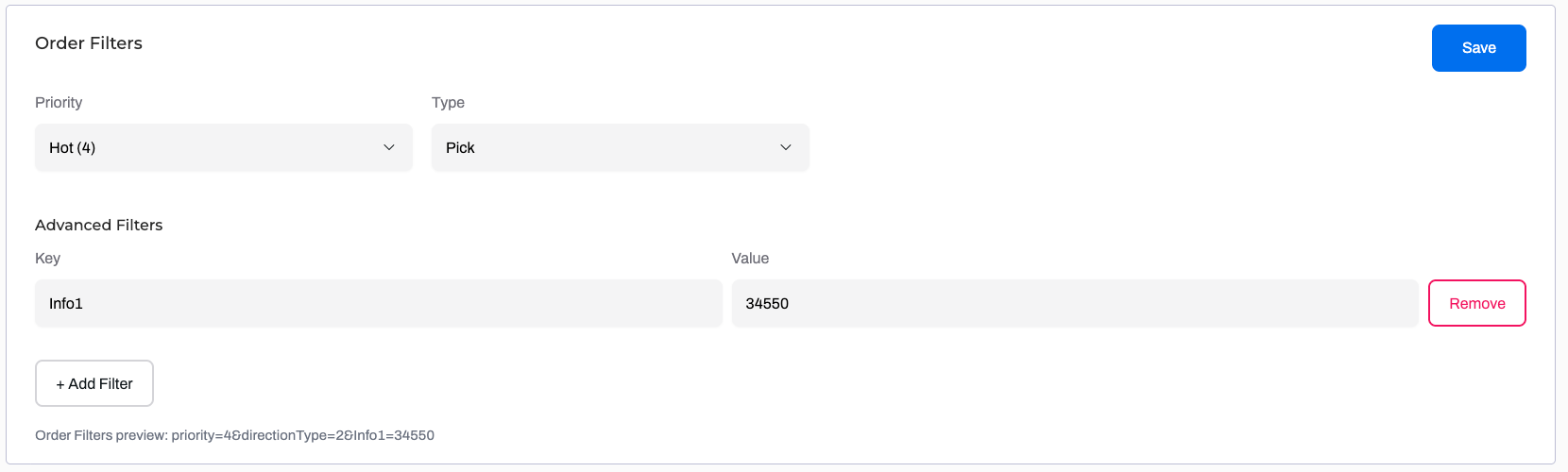
- Save.
Manual Order Processor: Order Line Fields
- Power Pick Field: Add the Cost Center or Info 1 -> Info 5 for added details that can be viewed or edited while processing Order Lines.
- Order Processor Field: Optionally, create a custom label to ensure users know exactly what should be entered in each field.
- Required: Toggle this on if you want to ensure fields are populated before an Order Line is confirmed.
Save.
