


Sharing a View
You can create private dashboard views that are only available to you, or you can share dashboard views with other ItemPath users (as long as they have permission to view the Dashboard).
If you'd like to make your Dashboard view public, you can share it with other members of your team.
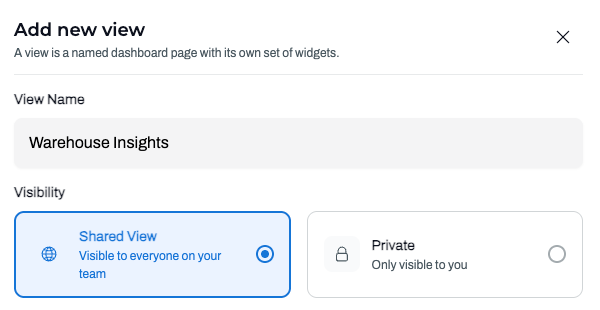
When creating a new view, you can set the visibility to Shared View or Private.
Each dashboard view will indicate next to the name if it's shared or private.

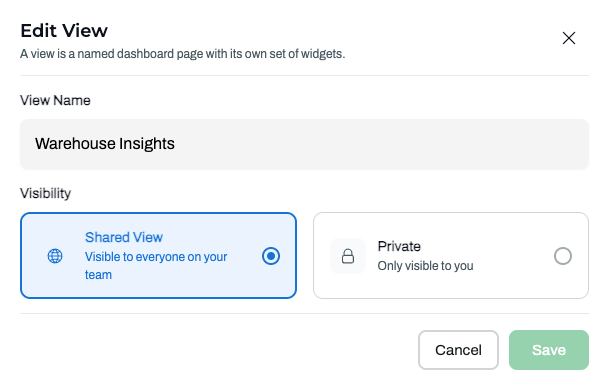
To change the visibility of an existing view, click the pencil next to the view name, make your edits and save. Note, you can only edit the visibility settings of your own views.
Click the List of Views dropdown to access your views as well as shared views.
It is also possible to restrict a user role to only be able to view shared Dashboard views. To create a Dashboard-only role, see this article.