


Matches version:
3.4.9
Connecting the Bridge to ItemPath
Note: Prior to this setup, ensure you have set up Zones in your Philips Hue mobile app, and connected your Hue Bridge to your Hue account.
Follow these simple steps to connect your lights to ItemPath:
Step 1:
In ItemPath, select Apps from the side navigation menu, then select Lights. Or select Lights directly from the side navigation menu.
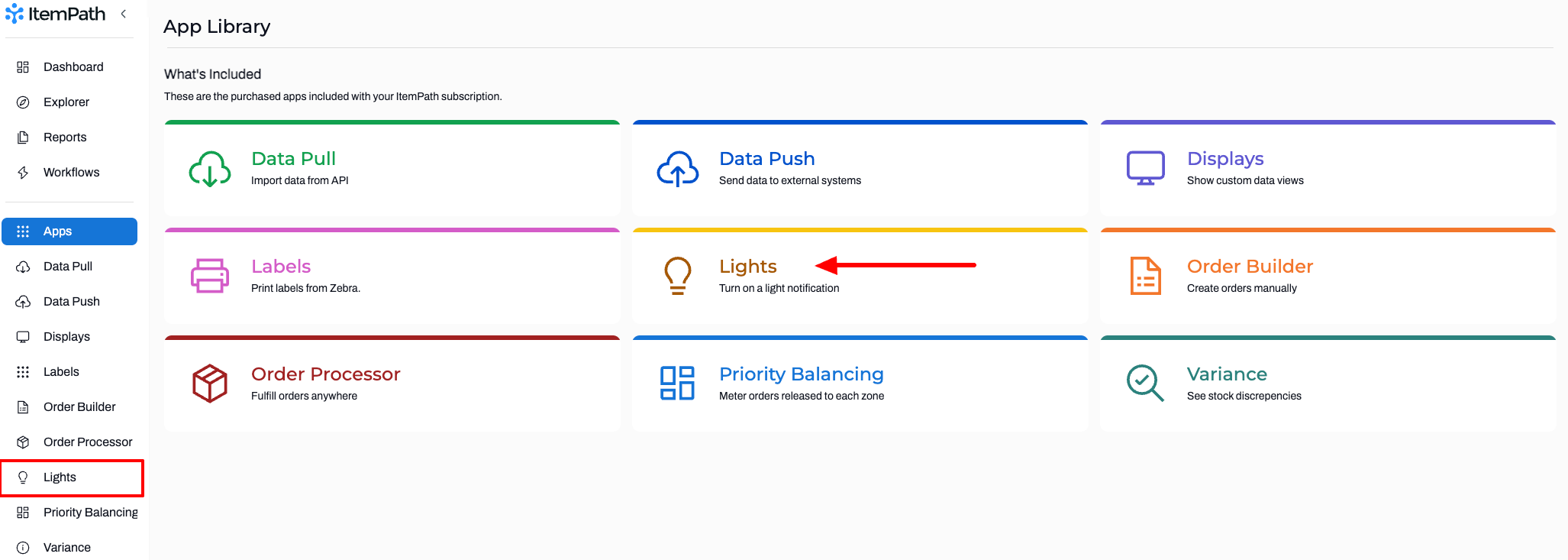
(Note: Your list of Apps may look different depending on the Apps that you have added to your ItemPath license.)
Step 2:
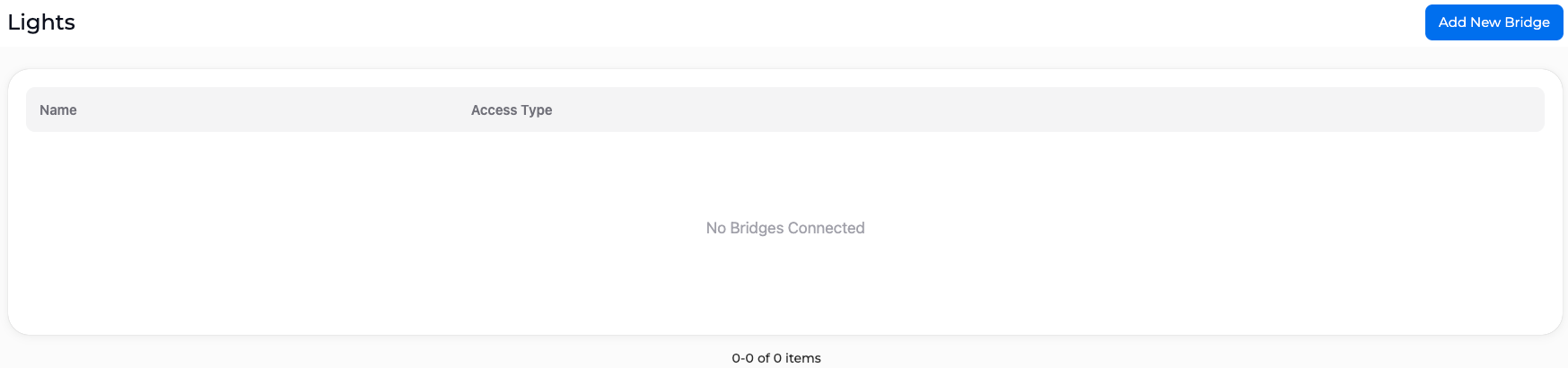
Click Add New Bridge. This will redirect you to the Philips Hue website and you may be prompted to sign in your account.
Step 3:
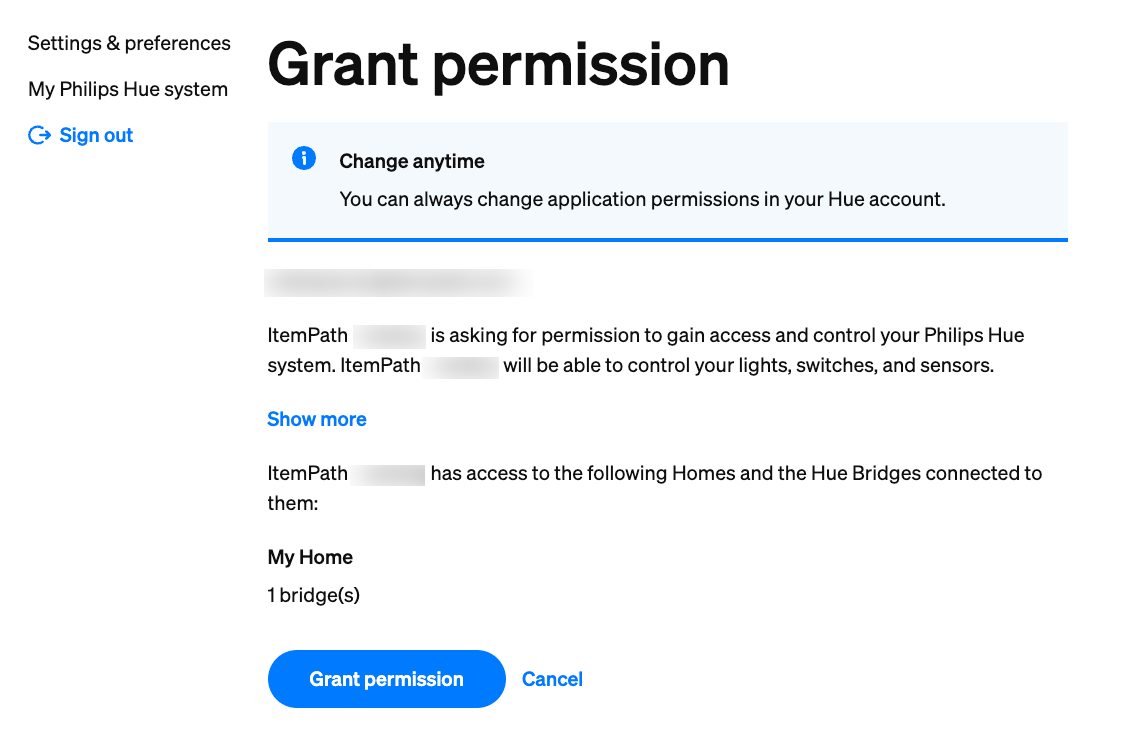
Click Grant Permission.
You're all set! You can now begin automating your lights by adding them to a workflow.