


If a job is visible in ItemPath but fails to appear in Power Pick, the following steps may help to identify and resolve the bottleneck.
1. Confirm the Status of the Job in ItemPath
If there are a large number of queued jobs, it will take some time to process them all. It may look like a job is hanging, when it's really just waiting in line to be processed.
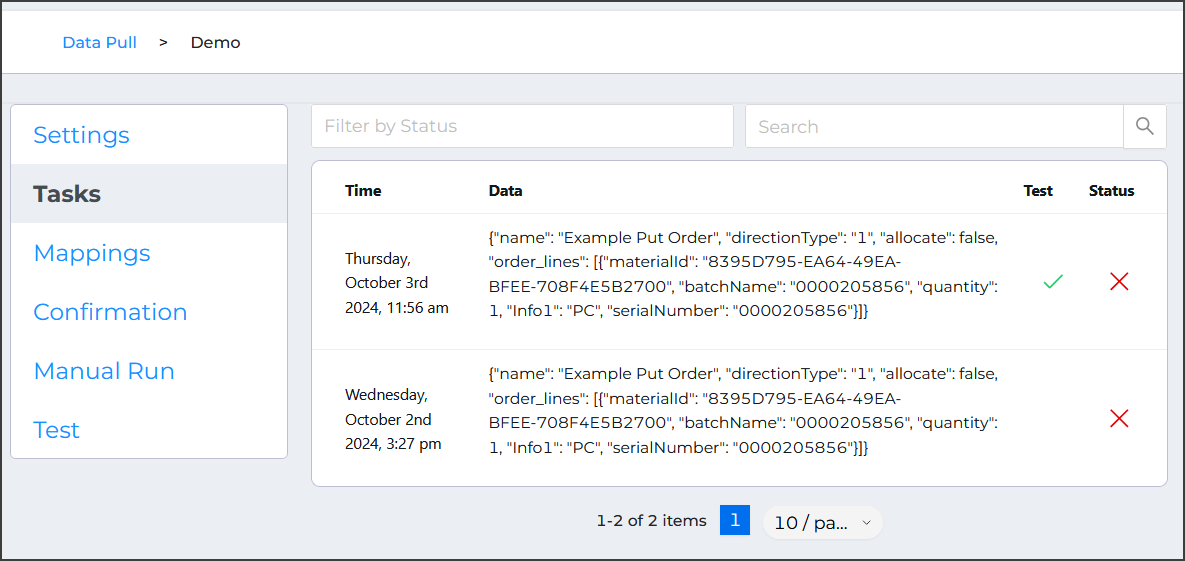
Check the Tasks for the integration to verify the status and see how many jobs are queued.
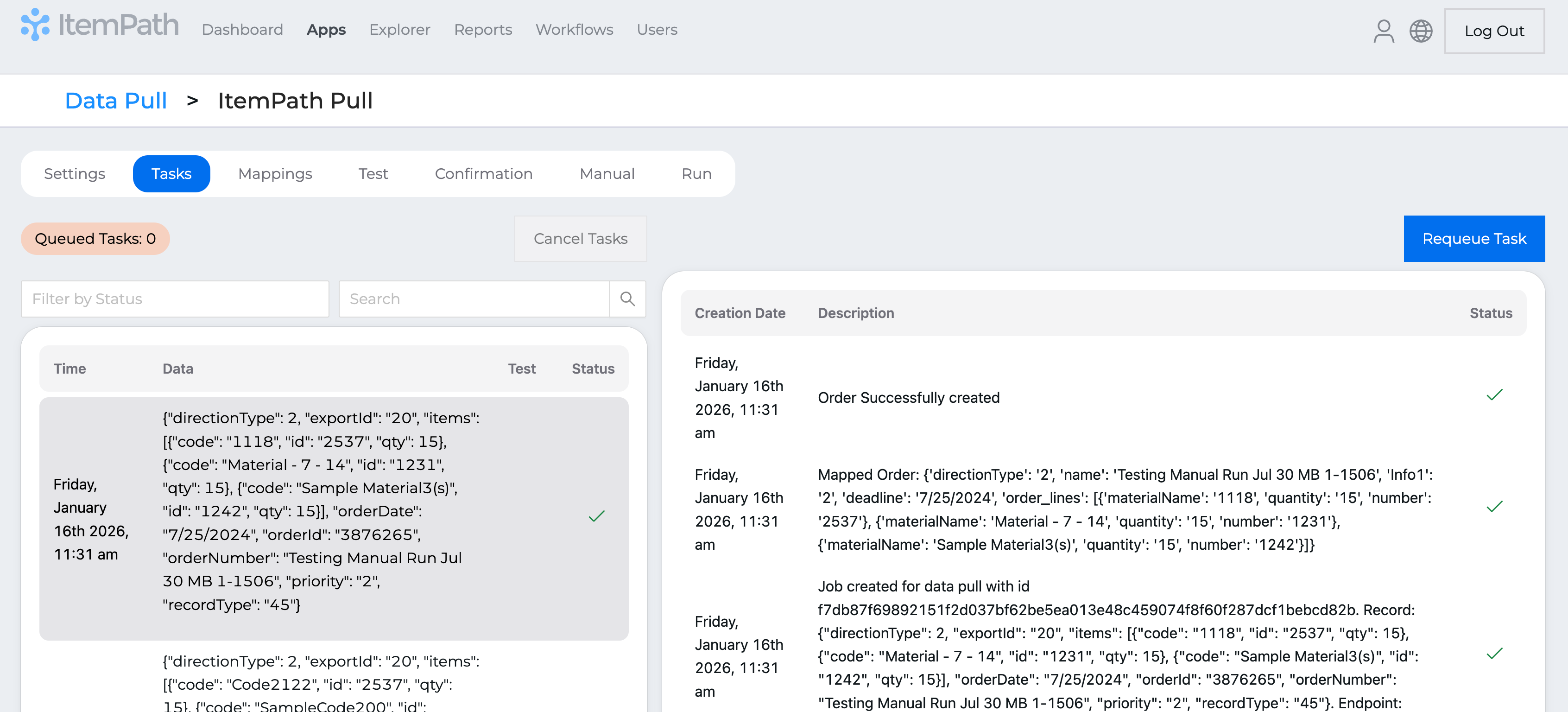
If a task is marked as a Test, it will not appear in Power Pick. The Test function is intended to let you run the same tasks over and over so that you can verify that both settings and mappings are correct.
2. Restart ItemPath
The communication bridge between the two platforms can periodically stall. Restarting ItemPath is the least invasive first step and often results in clearing the queue.
3. Verify Material Allocation
If only one specific job is hanging, while others flow through normally, the issue is likely data-related, rather than a system-wide connection failure.
Try processing the order manually within Power Pick to determine if there is an allocation error.
4. Restart Power Pick
If restarting ItemPath didn't work, and inventory is verified, Power Pick may not be allowing the incoming connection.
As a last resort, restart Power Pick. This may cause a brief disruption to VLMs and warehouse operations.
