


You can check your Power Pick connections' configuration details in ItemPath's settings, in the Kardex tab. Testing the connection will confirm which connections are failing (the MSSQL server and/or the CEU Web Services Interface).
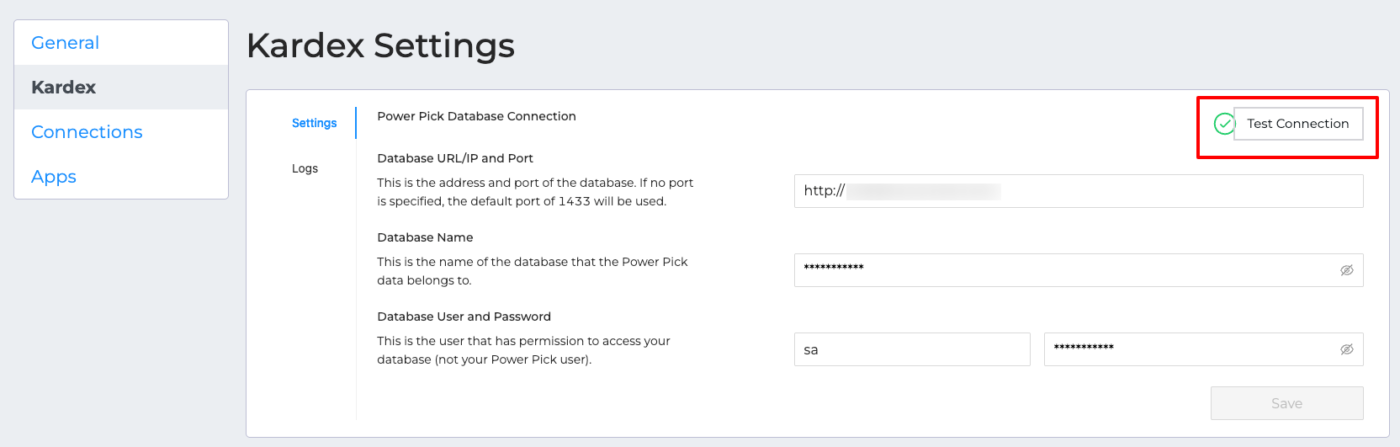
Navigate to the Logs tab to view the results of your test.
If you see a warning symbol next to Test Connection, this is a quick way to note that the connection is not active.
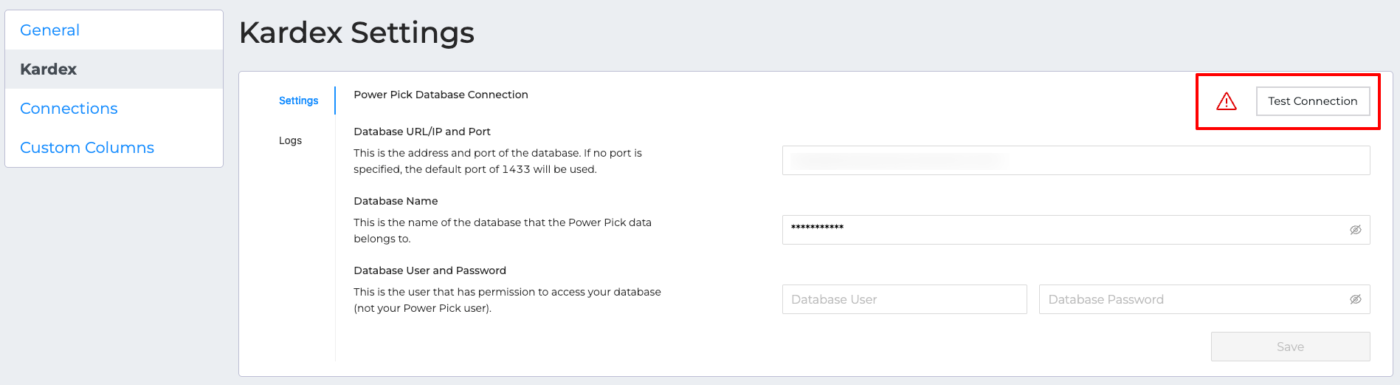
Review the connection settings to ensure the IP address and port number are correct. Try re-entering the username and password to ensure they're consistent with what's in Power Pick.
If you're experiencing errors with the connection to Web Services, see Why is my Web Services connection failing?
Confirm you have a valid Power Pick license, and if applicable, a CEU - Web Services license, then restart Power Pick. See How do I restart Power Pick services?
