


Your ItemPath license expiry date can be found in the footer of ItemPath, on the bottom left of the screen, along with the version number of ItemPath you're running.

You can also view current and past licenses on your company's profile page, which requires an access code to view. Licenses will be listed at the top-left of the page.
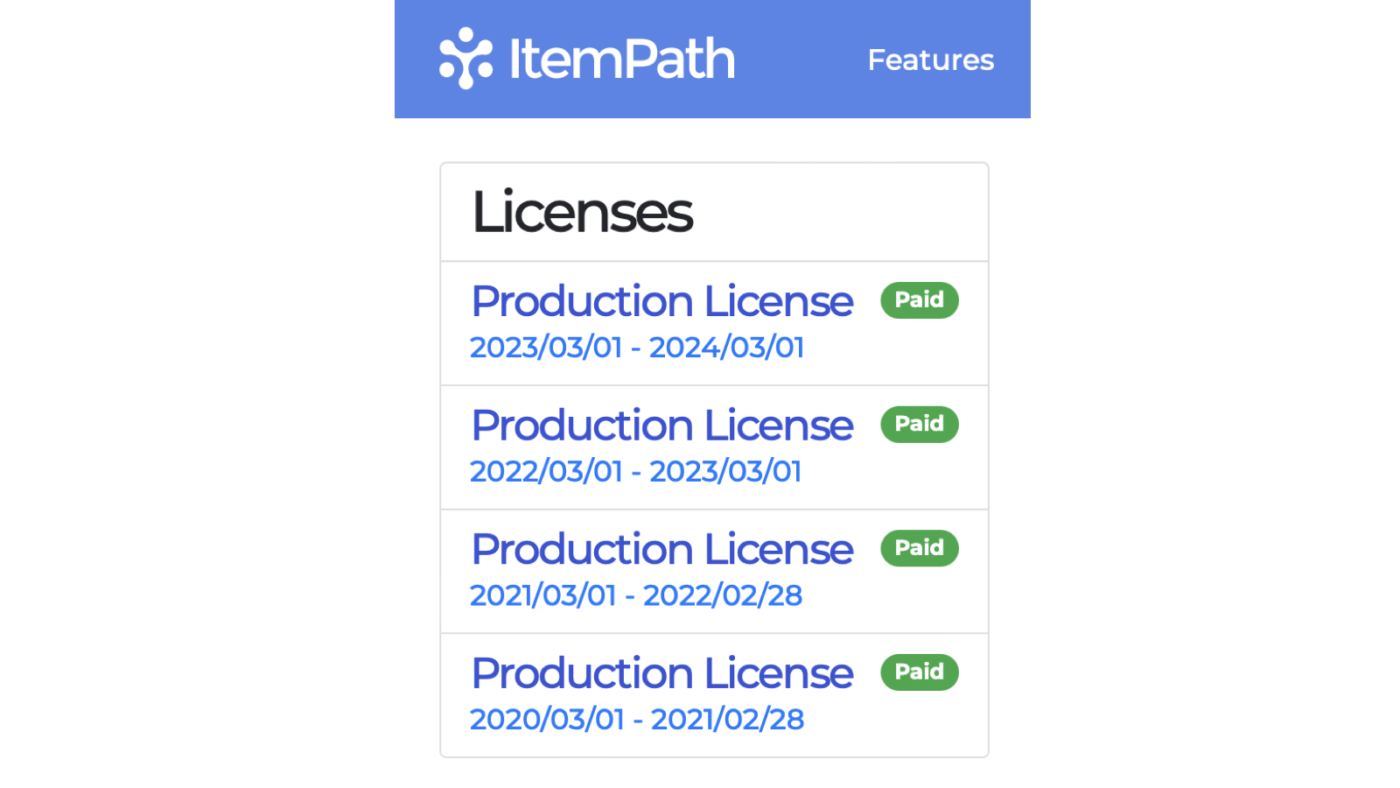
In almost every case, a support agreement will expire at the same time as an ItemPath license. If your SLA lapses, you assume responsibility for any issues as a result.
Expiry Notices
As your license expiry date draws closer, your ItemPath site will begin to show warnings about license expiry.

You will also start to receive emailed renewal notices for your ItemPath license, and if applicable, your support agreement.
If you purchased ItemPath through a dealer, they should be reaching out with a quote to renew ItemPath. Depending on your billing cycle, this may be bundled with other Kardex products or support packages. If you purchased ItemPath directly, you'll receive an email with a quote for the products up for renewal, detailing where to send a Purchase Order when ready.
If you haven't received renewal information, check with your dealer or our team at support@itempath.com.
Upon receipt of a Purchase Order, your ItemPath license will be renewed. You'll receive confirmation of the update via email.
