


Order Processor App(Beta)
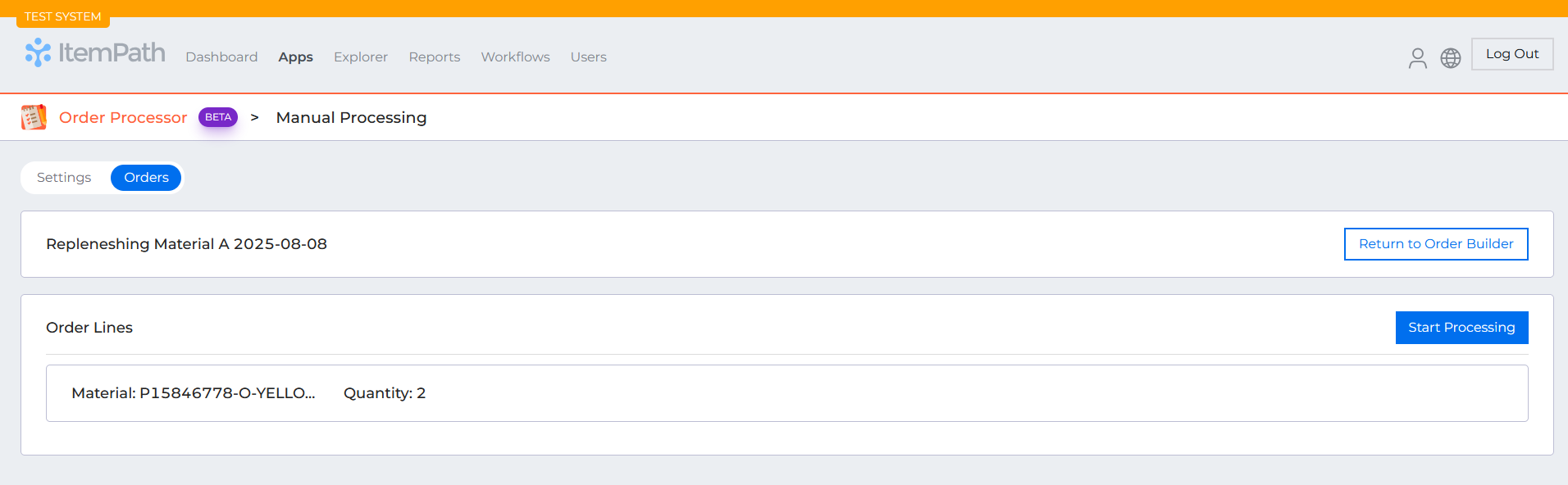
New Features:
- Automatic Pick, Put, and Replenishment Order Processing
- The Order Processor now supports fully automated processing of pick, put, and replenishment orders.
- Handle order allocation and workflow initialization without manual intervention
- Auto-confirm quantities during processing without requiring user input
- Process orders through completion with minimal user interaction required
New Data Pull Feature: Update Lines
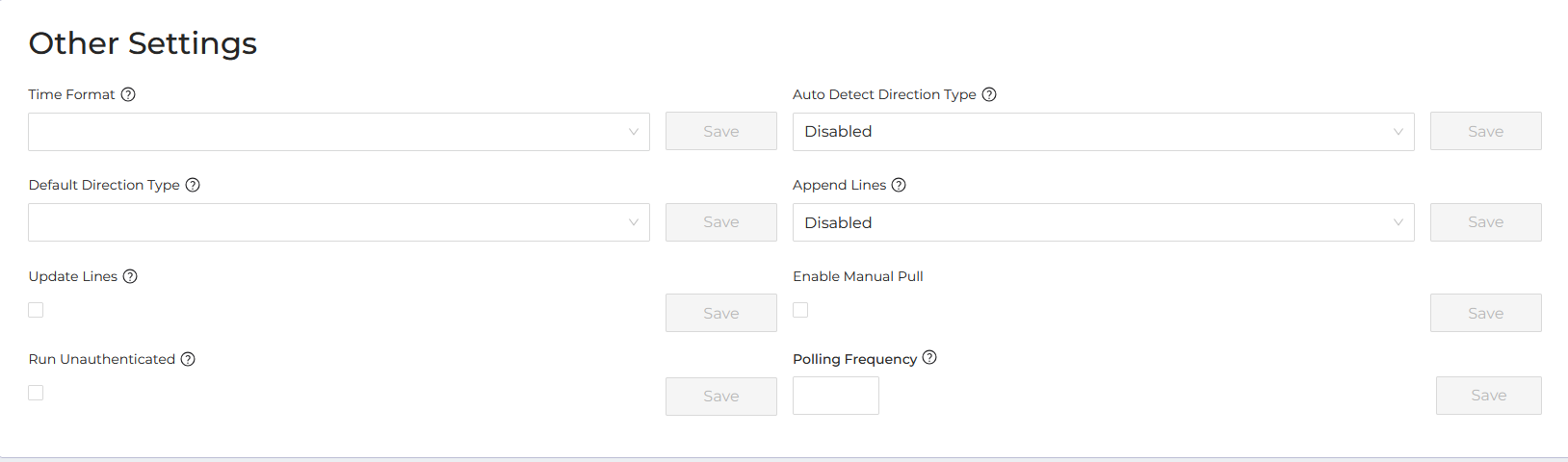
Added a new "Update Lines" option to Data Pull settings that allows ItemPath to automatically update existing order lines when line details change.
How it works:
- When enabled, ItemPath will modify existing order lines if the details have changed, provided the line hasn't been allocated yet
- Order lines are matched using the order name and line number
- Allocated lines are protected from updates to prevent disruption to active fulfillment
What you'll see:
- Detailed logging shows which order lines were successfully updated
- Clear notifications when lines couldn't be updated due to allocation status
This feature helps keep order data current while safeguarding lines that are already in progress.
Bug fixes

- If a user attempts to flag a Replenishment order without lines to 'Ready to be Sent to Power Pick' a toast message will display with an error message
- Fixes validation of Shelves and Deadline fields in Order Builder