2.24 Summary

2.24.4 - Improved Data Pull Stability and Enhanced API Responses

December 15, 2025

Data Pull

  • Adds a dedicated Redis queue (material-data-pull) for Material data pull integrations, separate from other high-priority data pulls.
  • Data Pull polling is now automatically paused when the relevant queue exceeds 200 jobs to prevent system overload.

Settings

  • API call log retention is now configurable via General Settings.
  • Supports both:
    • Time-based retention (delete logs older than N days)
    • Count-based retention (delete oldest logs when exceeding a maximum)
  • Age-based cleanup runs first, followed by count-based cleanup if needed.

API

  • Adds a new SingleTransactionSchema for single transaction responses, including typeDescription and motiveTypeDescription.
  • Single transaction GET and PUT endpoints now return richer, more descriptive transaction data.
  • Batch and Master Order endpoints now include typeDescription.
  • Order line responses include allocatedQuantity.
  • Material responses include countingCycle.
  • Location responses now include isMultiOccupancy.
  • Single Location responses now include warehouseName, warehouseId, storageUnitId, carrierId
  • Storage rule responses now include binName and materialName.

Performance

  • Improves performance of processed order line queries by batching transaction loads.
  • Reduces database overhead by limiting selected columns and optimizing transaction loading strategies.

2.24.4.1

Data Pull

  • A new setting exists in the App setting: Queue threshold. This sets the maximum number of jobs that can be queue across all integrations. Note: Two queues exist - one for material integrations and one for order integrations
  • A detailed Summary section has been added when manually running, pulling or testing a Data Pull integration.

2.24.4.2

Log Cleanup

  • Database cleanup is performed in batches to handle instances where large quantities of rows need to be removed.

2.24.3 - Report Filter Validation, API Upgrades, and Stability Fixes

November 27, 2025

Reports

  • Validation is now performed on Report Filters to ensure the filter value data type matches the data type of the Report Column
  • An error is now displayed if a snapshot or report errors out during data generation

Data Push

  • Fixes the totalQuantityConfirmed column mapping

Connections

  • If an error triggers during the initial token fetching of the OAuth 2.0 flow, a log is generated containing error details
  • If a connection path is empty in an integration, a '/' is no longer appended to the end of the connection URL

Misc

  • Fix an issue where on-premise installations needed to explicitly define certain port-related environment variables in their docker-compose file

API

  • Adds location count statistics to single bin API endpoint (/api/bins/<binId>): totalCount, emptyCount, fullCount, and usedCount
  • Material Property single GET endpoint now includes materialCount (total materials assigned) and materials array (id and name of each material)
  • Added locations field to order line responses(GET /api/orders/{orderId}) showing where allocated inventory is physically located within the warehouse
  • capacityUsed and capacityReserved now returned in location endpoints
  • orderName now returned in /order_lines endpoints
  • Single zone endpoints(/api/zones/{zoneId} now also returns associated locations, shelves, and material properties


2.24.3.1

Data Push

  • Fixes issue with the History Progress Type mapping

API

  • Add PUT endpoint for updating a storage rule

Misc

  • Add better exception handling in Data Polling
  • Web services automatic connection check now checks if web services is enabled

2.24.2 - Yearly Workflow Trigger and Local Configuration Enhancements

November 21, 2025

Workflows

  • Email workflow logs now display more information: recipients, delivery status, file metadata, and email subject
  • Yearly trigger frequency is now available. The user must select a yearly frequency, month, number of the day and time that the workflow triggers

Data Push/Data Pull

  • Fix disabled form item in new Data Push integration form
  • Dynamic date times no longer automatically wrap the date in double quotes

Misc

  • Local logs are now generated and written to when error exceptions occur
  • Service ports are now customizable through environment variables
  • Enhance security by hiding the nginx version and adding security headers
  • Fixes an issue in bar chart layouts


2.24.2.1

  • Fixes an issue where sorting by # of lines in the orders list of an Order Processor integration would cause a crash
  • Adds two new report column types:
    • Order Lines Count (History theme)
    • Order Lines Count (Order theme)
  • Fixes issue where grouping in Flat Order Data Pull structures would fail. The mapping type of the mapping containing the array of lines should be "Lines".

2.24.1 - New Report Column Types in Storage Rule, History theme, misc bug fixes

November 17, 2025

Reports

  • Material Family and Material Property columns now available in the Storage Rule theme
  • Add Total Confirmed Quantity to History theme

Settings

  • Power Pick version setting now lets the user set a fallback version if ItemPath fails to automatically detect the version

Widgets

  • Chart widgets now display float values to the 2nd decimal point
  • Prevent widget layout issue causing text overflow
  • Prevent navigation when clicking snapshot name during widget editing

Misc

  • Change error message for count orders with no eligible locations
  • Fix blank date display in UI
  • Fix incorrect form label in the Order Builder integration settings
  • Batch material validation now implemented when creating an order
  • Fix issue causing ItemPath app to error out when performing a check to see if a view should be disabled
  • Change the default docker logging level to 'warning'


2.24.0 - Manual Order Processor (Beta), Array Data Pull Mapping, Mathematical Operators in Data Pull

November 11, 2025

Manual Order Processor (Beta)

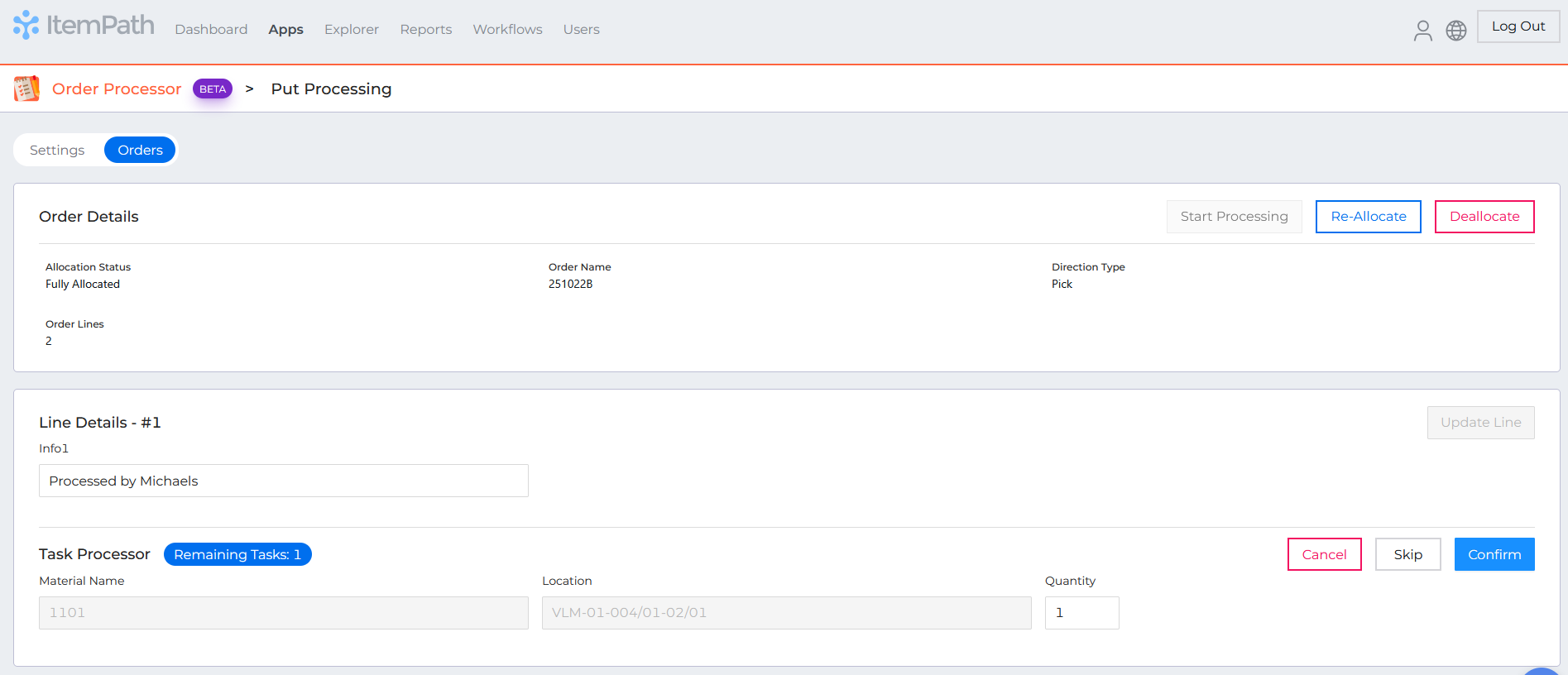
  • New Feature: Manual order processing in Power Pick is now available.
  • Users can allocate, re-allocate, deallocate, and process orders directly within the Manual Order Processor integration.
  • Users can confirm or update quantities for individual order lines during processing.
  • Order Filters can now be configured to control which orders appear in the “Orders” view of the integration.


Explorer

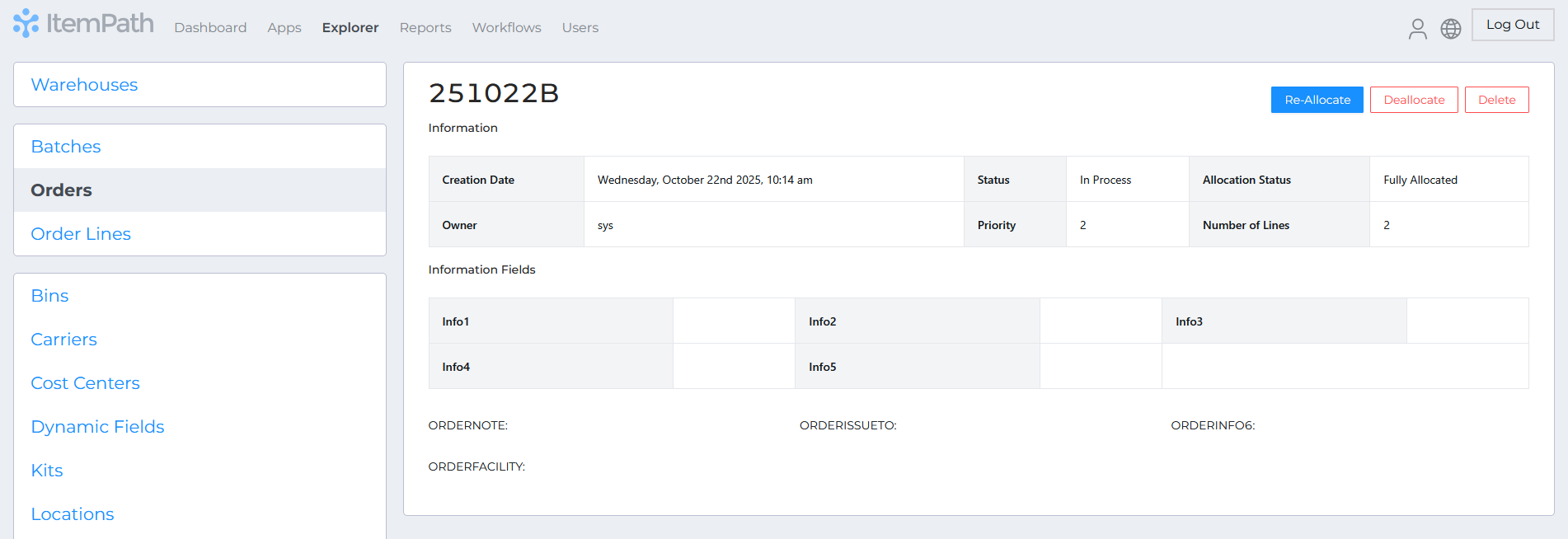
Order allocation management is now available through the Explorer interface.


Data Pull

  • Mathematical expressions are now supported in Data Pull mapping keys.
    • Users can define expressions (e.g. suggestedQty - actualQty) to compute values dynamically from source fields.
    • Supported expressions: -, +, *, /
  • Array mapping type added:
    • Enables extraction of data from the first item in an array.
    • Simplifies mapping of nested array fields without processing all array elements.

Misc

  • Error message now displays for Cloud customers if a local IP address is entered for Power Pick connections.