2.7 Summary

2.7.8 - Better Error Messages & Report Building Tools

April 14, 2022

Here's what's been updated in ItemPath in recent versions up to 2.7.8.

What's the Problem Here?

Diagnosing errors from API responses just got a whole lot easer. Now when an API call fails, you'll get a detailed error message in the response. The status code and message will give immediate feedback about your request, with a diagnosis (need to modify the data or formatting, missing a required field, a connection has been lost, etc.).

New Tools for Report Builders

Reports now support column variables. This means that in report filters, you can compare the values of two report columns by using "column: Column Name". Check out the example pictured below where we filter out materials that (after being allocated to pick orders) have a net quantity less than the reorder point for that material.

Cycle 5 2

Also, report columns can now be renamed after they're created, in case you want to add descriptions or change column names that were created by default, without deleting columns and re-adding them. And for easier report creation, you can now duplicate a report to start working from a copy instead of starting from scratch. (Don't forget, you can also import our handy pre-made report templates.)

Cycle 5 3

New Features

API:

  • New API endpoints are added, including create, update, and delete Material Codes
  • There is a new API type -> No Auth
  • Users can add a testing URL setting to an API connection

Data Push:

  • Headers can be added to Data Push at the connection level (as well as the integration level)

Explorer:

  • Storage rules and bin views are now available in the explorer

Settings & Logs:

  • Users can set their own time zone in the user panel
  • Headers are hidden from log messages for security

Bug fixes

  • New passwords set in the user panel are saving properly
  • The date comparator in the report filter is now working
  • Dashboard widgets pie charts are now showing correctly
  • In API logs, pagination is fixed, and sorting and filtering can be done per user

2.7.6 - New API Endpoints & Reports Fixes

March 22, 2022

New Features:

  • Adds an /api/order_lines delete endpoint.
  • Adds material code and material property create, update, delete endpoints.
  • Adds storage rules, bins, batches, zones, and cost centers views to the Explorer.

Bugfixes:

  • Fixes Pie charts and report charts.
  • Fixes importing templates for reports and other report bugs.
  • Fixes new passwords not saving.
  • Fixes Workflows running during daily triggers.

2.7.5 - Report File Exporting

March 21, 2022

New Features:

  • The user can now generate and download reports directly from the UI.

2.7.4 - Material Code Endpoints

March 17, 2022

New Features:

  • Adds /api/material_codes endpoints.
  • Allows material codes to be added to a material when creating using /api/materials.

Bugfixes:

  • Fixes log reports.

2.7.3 - New & improved settings, and Data Push ready to take your calls

January 28, 2022

Ready, Settings, Go

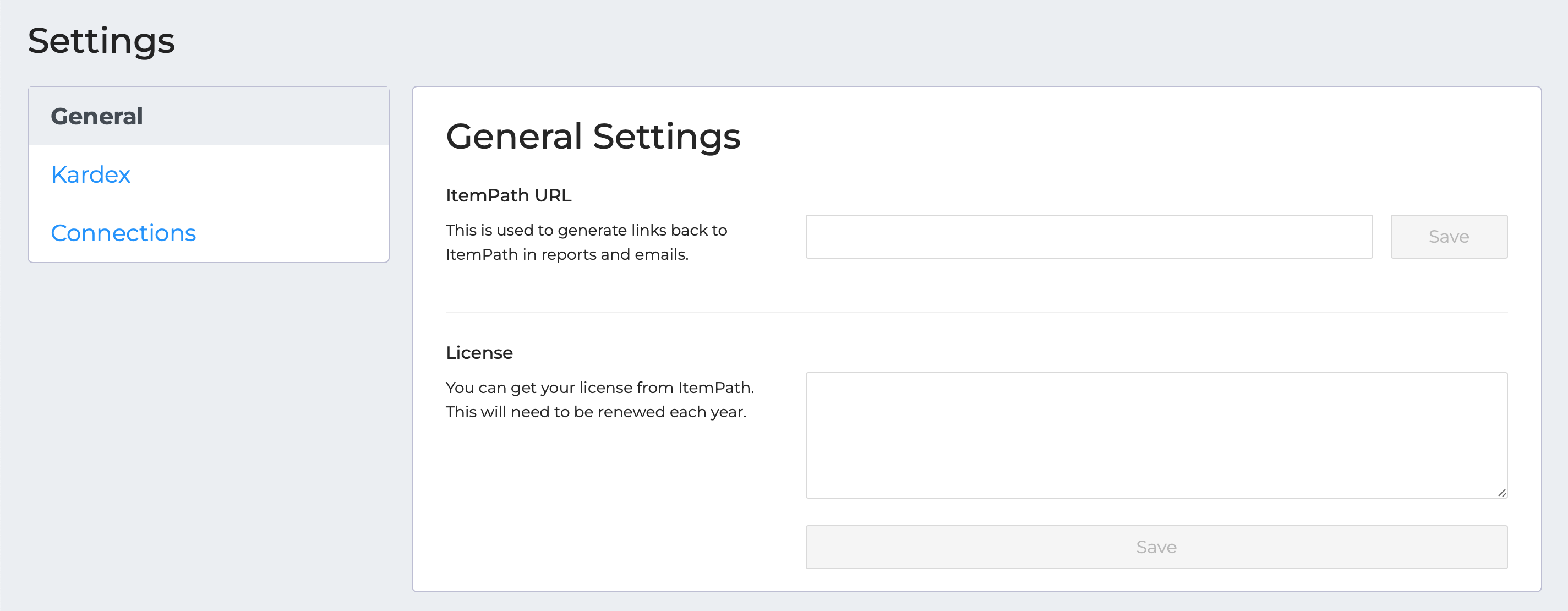
It's easier than ever to update your ItemPath site's settings, with our newly designed menu. With helpful tips and descriptors, finding where to enter your connection data for Power Pick and other app integrations is much more straightforward.

Settings 1
Settings 2

Time to Make a Call

Data Push app

Data Push App: Graduated from Beta

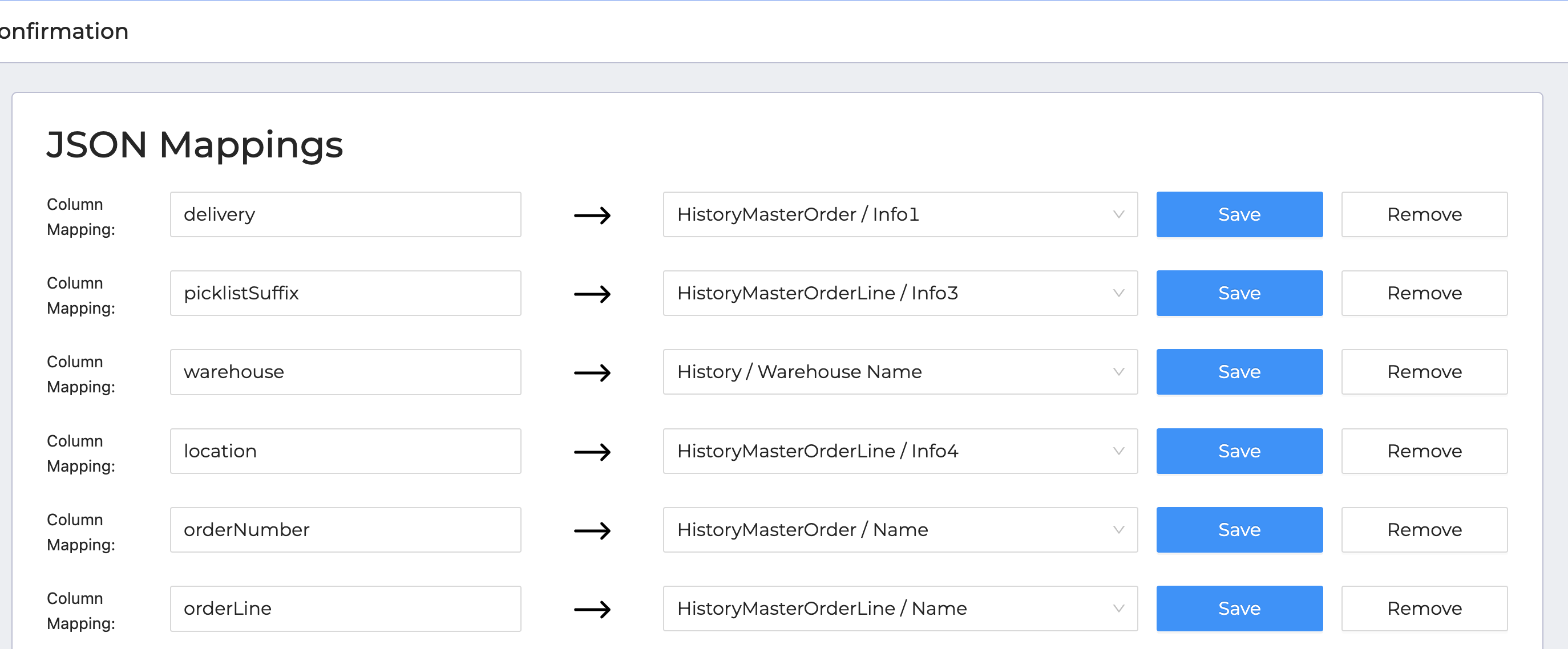
Make calls between your ERP system and Power Pick through ItemPath middleware, either on-demand or at regular intervals, with customized mapping between Power Pick and your system's naming conventions.

Check out the Data Push app's pricing here.

Data push 3 mappings

Power Pick 4.20 Compatibility

As Power Pick software gets upgraded, we keep up. ItemPath is up-to-date with the latest version of PPG.

New Features

  • Add new connections (with connection types, including API)
  • Connection information shows if username/password is already provided
  • API logs are filterable, searchable, and sortable
  • Order creation now checks for unique serial number (and hostIdentification was added)
  • Order Processing shows Power Pick error messages
  • API now has "or" comparator
  • New test endpoint can capture Data Push information
  • Email workflows allow attachments
  • Administrators can change user type in the user panel

Bugfixes

  • "Forgot password" link is fixed
  • Reports are optimized
  • Skipping serials in order processing no longer hangs
  • Snapshots won't break with incomplete data
  • Cycle counts app shows a list of logs
  • Batch Processing disables orders with incomplete allocations
  • Connection names can be changed in Settings
  • Non-expiring token generation is fixed

2.7.2 - PowerPick 4.20 compatibility

January 27, 2022

New Features:

  • Adds CountEmptyLocations to orders (from PPG 4.20)
  • Adds userId to orders (from PPG 4.20)
  • Checks for PPG connection before caching dynamic fields

Bugfixes:

  • Fixes warehouse assignment when an order is created

2.7.1 - Manually Test Data Push

January 8, 2022

New Features:

  • Data Push has a "Test" function.
  • Adds backwards compatibility for using the deprecated "state" attribute with /api/orders calls intead of the new "status" attribute.

Bugfixes:

  • Epicor transactions now export correctly.
  • When an item is deselected in Order Processing, the message displays the same as skipped items.
  • Monthly triggers in Workflows will exceed the number of days in the month.

2.7.0 - Report Optimization & Data Push

January 6, 2022

New Features:

Bugfixes:

  • Reports have been optimized and various bugs fixed.
  • In the Order Processor, skipping serial numbers in Batch order processing is fixed.