


Create an Order Processor Integration
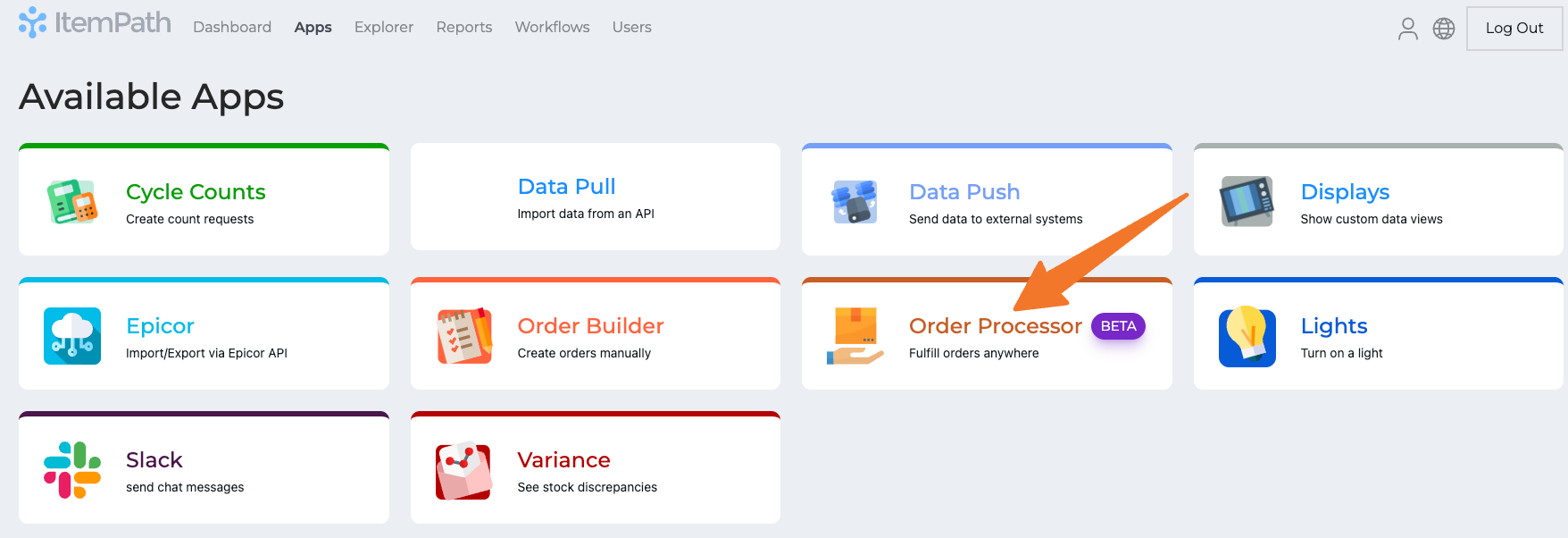
Navigate to the Apps tab and select Order Processor.
- Click New Integration.
Give your integration a name and select the Type of Order Processor (Manual or Automatic).

- Click Create Integration.
Add Order Filters for priority and order type to narrow down which orders to process using this integration.

- Use Advanced Filters to specify other values to filter by.
- Save.
Manual Order Processor: Available Order Line Fields
- Power Pick Field: Add the Cost Center or Info 1 -> Info 5 for added details that can be viewed or edited while processing Order Lines.
- Order Processor Field: Optionally, create a custom label to ensure users know exactly what should be entered in each field.
- Required: Toggle this on if you want to ensure fields are populated before an Order Line is confirmed.
Save.
